THE COMPACT OPTION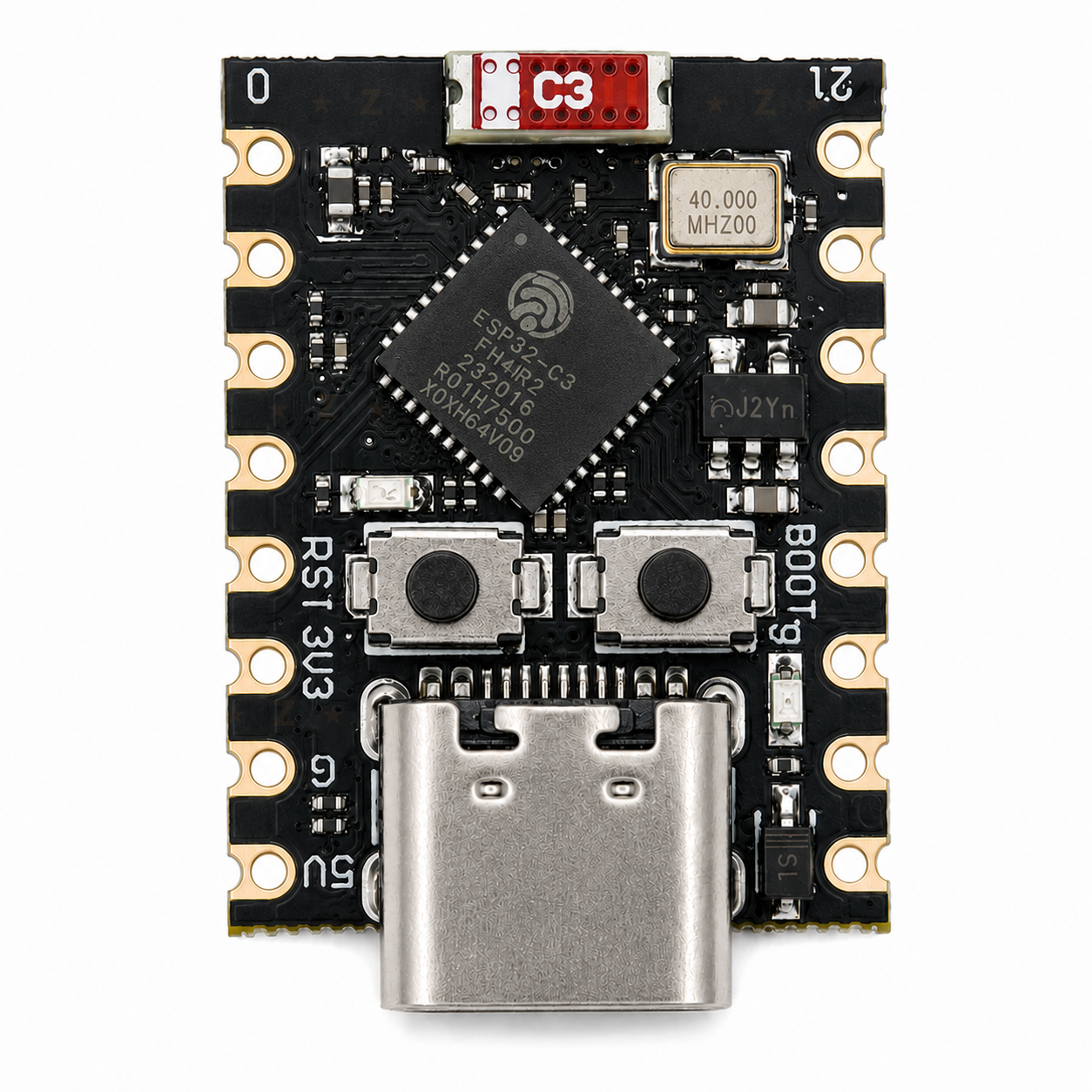
C3 SuperMini
NZ$6.69 unsoldered
Compact USB-C board with an onboard antenna. The project describes SuperMini-class ESP32-C3 boards as its main target.
View at NZN ElectronicsLESS NOISE, BY DESIGN
TinyShield is an interactive showcase of M-Abozaid’s esp32-c3-adblock.
Explore how this open-source project turns a pocket-sized ESP32-C3 into a DNS filter for a properly configured home network.
Showcase and interactive explainer by Adrian
01 / THE IDEA
Before an app connects to a website, it usually asks DNS for the address. This board checks that domain against a blocklist. Known ad and tracker domains stop there. Other requests carry on.
Configure your network to use the board for DNS. Simply joining the board to Wi-Fi does not protect your other devices.
02 / FOLLOW THE SIGNAL
Choose a request and watch where it goes.
INTERACTIVE SIMULATION · NO LIVE NETWORK DATA
This domain is not on the blocklist. The board forwards the DNS request upstream and returns the answer to your device.
Illustrative domains and simplified paths. This website does not inspect, filter, or connect to your network.
03 / SMALL BOARD. USEFUL CONTROLS.
The firmware serves a dashboard on your local network. See which devices are making requests, tune the list, and manage updates without reaching for a cable every time.
http://c3adblock.localPlain HTTP on your trusted LAN. Do not expose the dashboard to the public internet. If the local name fails, use the board’s reserved IP address.
Per-client query and block counts help you understand what your devices are asking for.
Add blocked domains, upload a blocklist, and manage per-device DNS bans.
Download a published blocklist over Wi-Fi, with a configurable weekly refresh schedule.
After the first USB flash, compatible dual-slot firmware builds support browser-based OTA updates.
04 / THE INTERESTING TRADEOFF
Flash is shared by the firmware and the domain list. More list space means less room for convenient firmware updates.
The current 4 MB partition file reserves two 1.3125 MB application slots and 1.3125 MB for the blocklist. Two app slots allow firmware OTA updates.
*Project-documented approximate limits, not performance measurements. The builder describes a roughly 100k default list; the older 141k example is not a guaranteed current count. Alternate layouts require a matching build and initial flash; this switch only explains the tradeoff.
05 / PICK YOUR TINY COMPUTER
Three compact ESP32-C3 options.
Check the exact board and build before you buy.
NZ$6.69 unsoldered
Compact USB-C board with an onboard antenna. The project describes SuperMini-class ESP32-C3 boards as its main target.
View at NZN Electronics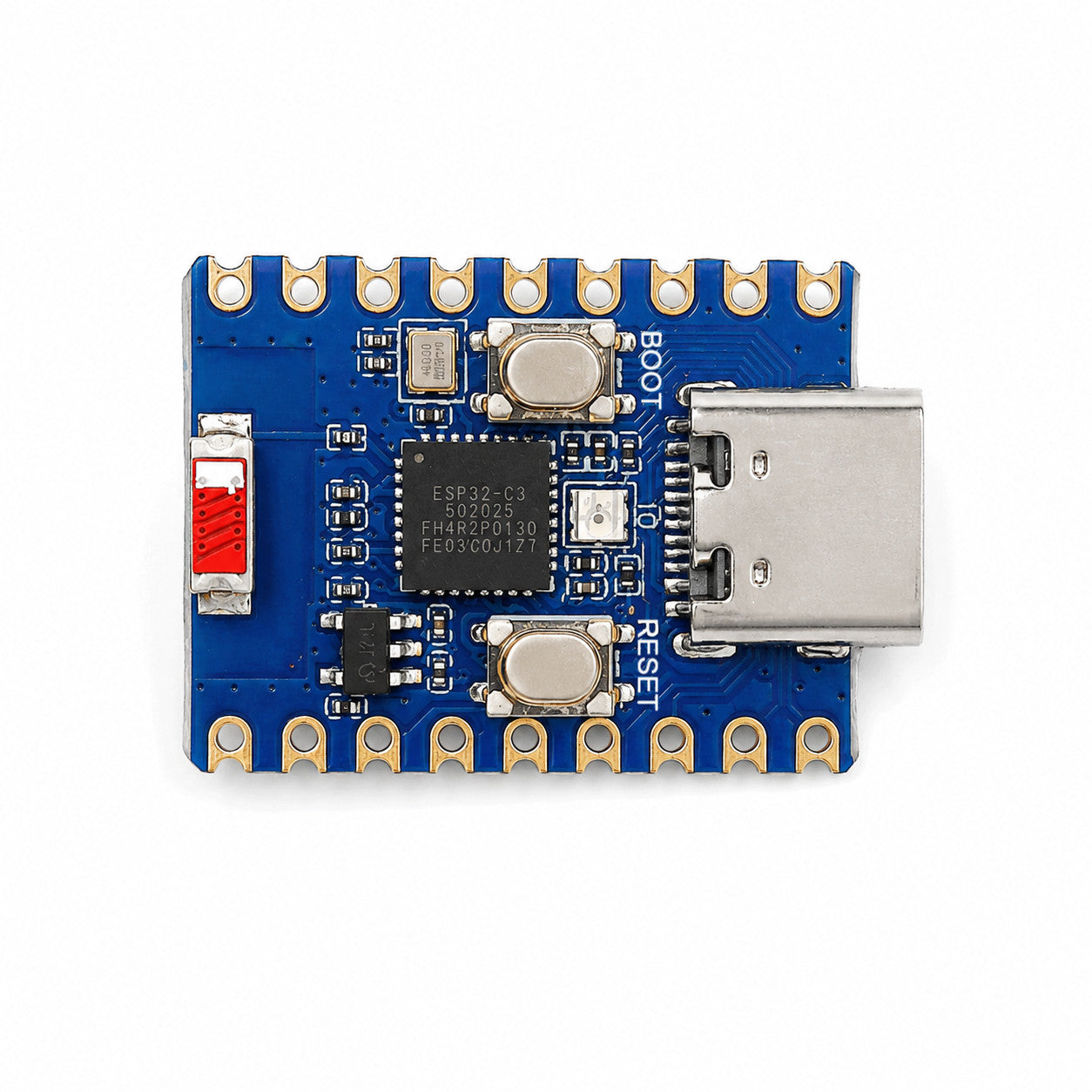
NZ$7.49 listed sale price
A compact 4 MB ESP32-C3 board. Check pin mappings, flash settings, and board-specific build compatibility.
View at NZN Electronics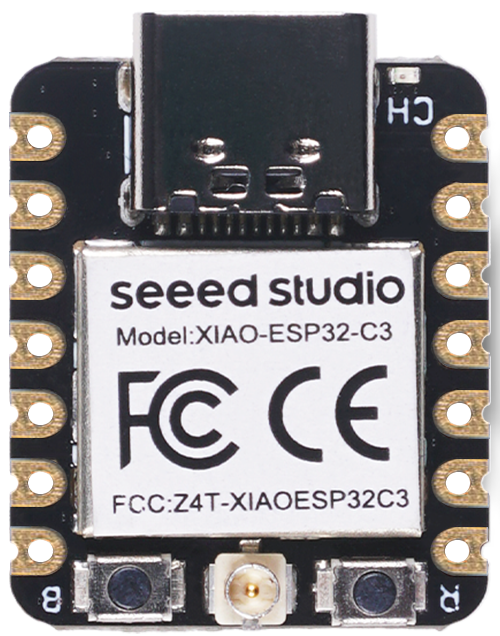
US$4.90 verified USD price
Seeed’s miniature 4 MB board uses an external antenna. Confirm the board profile and firmware compatibility before choosing it.
View at Seeed StudioDifferent currencies; no exchange-rate comparison implied. Prices and stock can change. Shipping, tax treatment, cables, and accessories may vary. Product photographs belong to their respective retailers/manufacturers.
06 / FROM BOARD TO BLOCKLIST
You’ll need a compatible ESP32-C3 board, a USB data cable, 2.4 GHz Wi-Fi, and access to your router’s DNS settings.
Open the project guideThis is a guided overview. Use the repository’s current instructions and build files for your exact board.
Check the board profile and partition layout in the repository. Keep the normal dual-app layout if firmware OTA matters to you.
Follow the project’s PlatformIO instructions: configure secrets and strong dashboard/OTA passwords, generate the blocklist, and upload both firmware and filesystem. Use a USB data cable and the correct serial device.
Use the firmware’s captive setup portal to enter your Wi-Fi details. Reserve the board’s IP address in your router so its DNS address stays predictable.
Set the DNS address distributed to clients by your router, or configure each client directly. Avoid an unfiltered alternate DNS server if you want consistent blocking. The firmware does not provide DHCP.
Reconnect a test device or renew its network lease. Open the dashboard and confirm its DNS queries appear. Check private DNS, VPNs, and IPv6 settings if traffic bypasses the filter.
07 / KEEP EXPECTATIONS HONEST
DNS filtering is one useful layer. Understanding its boundaries is part of building it well.
No. It blocks domains, not individual page elements. Ads served from the same domains as the content, including many YouTube ads, cannot be reliably separated this way. There is no cosmetic filtering.
Yes. Browser DNS-over-HTTPS, Android Private DNS, VPNs, hard-coded DNS, or alternate DNS addresses can bypass the board. Router and client settings determine coverage; connecting the board to Wi-Fi alone is not enough.
No arbitrary wildcard or regex rules. However, the firmware also checks parent domains, so blocking a domain can cover its subdomains. Some simple Adblock-style domain rules are accepted by the list builder; cosmetic rules and complex patterns are skipped.
No. The dashboard can refuse that client’s DNS queries, but a DNS-only block does not guarantee network isolation. Cached addresses, direct IP connections, or alternate resolvers may still work.
Devices relying on it may lose name resolution. Keep a note of your original DNS settings so you can restore them. An unfiltered fallback improves availability but can also let queries avoid the filter.
Keep it on a trusted local network. The project serves the dashboard over HTTP; do not port-forward it to the internet. This showcase has no access to the board or your home network.
ONE BOARD. ONE DATA CABLE. A SMALL PLACE TO START.
SuperMini · NZ$6.691 m USB data cable · NZ$3.49
Unsoldered board + USB-A to USB-C data cable. Prices checked 7 October 2026.
Delivery, USB power supply, and any needed USB adapter are extra.